








Make songs
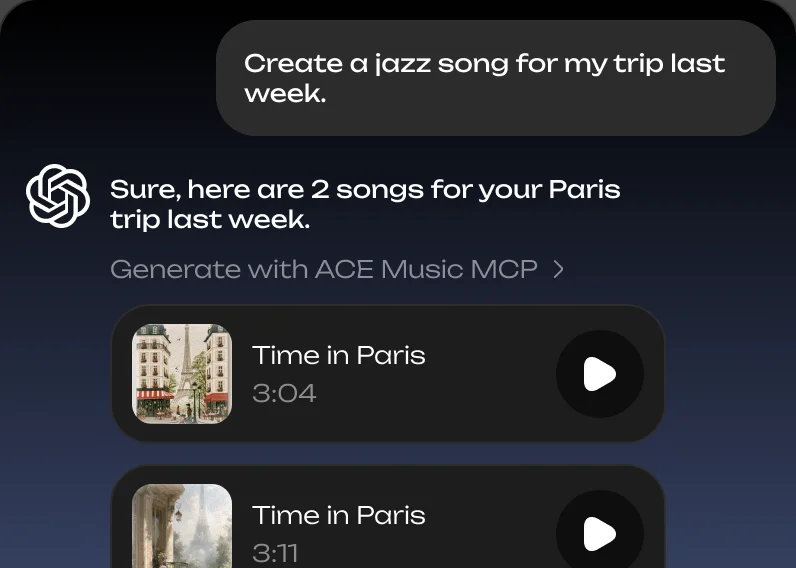
Describe a song or bring your own lyrics. Your agent writes the style and structure, and ACE Music makes the song, with vocals or as an instrumental.
 ACE Music
MCP
Connect ACE Music to Claude, ChatGPT, Gemini or Grok, or to a coding agent like Claude Code, Codex or Cursor. Describe a song in chat: your agent writes the lyrics and style, ACE Music makes the song, and it lands in your Library.
How can I help you today?
ACE Music MCP ConnectedWORKS WITH
Add ACE Music once, then ask for music wherever you already work: in a chat app or in a coding agent. Pick yours and follow the steps.
 Claude
On Claude web or Claude desktop app, open Customize in the sidebar, then Connectors.
Click Add, then Add custom connector.
Paste the name and URL, click Continue, then Add and Connect to sign in.
ACE Musichttps://acemusic.ai/mcpIn a new chat, click +, then Connectors, and turn on ACE Music. Then describe the music you want, or start with this prompt:
Use ACE Music to make me a song: an upbeat pop song about a summer road trip with friends. Claude Code
Open the Claude desktop app and switch to Claude Code.
Paste the prompt and let Claude set up everything for you.
Connect the ACE Music MCP server so you can make songs for me. Name: ace-music. URL: https://acemusic.ai/mcp (Streamable HTTP, signs in with OAuth). Add it with: claude mcp add --transport http --scope user ace-music https://acemusic.ai/mcp When it's added, tell me exactly what I need to do to sign in. Once connected, read its skills (get_skill) before making a song.Describe the music you want, let Claude generate it for you.
 ChatGPT
On ChatGPT, open Plugins in the sidebar.
Click Add, then Add custom MCP server.
Paste the name and URL, keep OAuth, tick I understand, then click Create as a plugin and sign in.
ACE Musichttps://acemusic.ai/mcpIn a new chat, type @ACE Music to pick it. Then describe the music you want, or start with this prompt:
@ACE Music Make me a song: an upbeat pop song about a summer road trip with friends.CodexOpen Codex.
Paste the prompt and let Codex set up everything for you.
Connect the ACE Music MCP server so you can make songs for me. Name: ace-music. URL: https://acemusic.ai/mcp (Streamable HTTP, signs in with OAuth). Add it with: codex mcp add ace-music --url https://acemusic.ai/mcp — then run: codex mcp login ace-music so I can sign in in the browser. When it's added, tell me exactly what I need to do to sign in. Once connected, read its skills (get_skill) before making a song.Describe the music you want, let Codex generate it for you.
 Grok
On Grok, open Connectors.
Click New Connector, then Custom.
Paste the URL, then sign in when Grok asks.
https://acemusic.ai/mcpIn a new chat, make sure ACE Music is on. Then describe the music you want, or start with this prompt:
Use ACE Music to make me a song: an upbeat pop song about a summer road trip with friends. Cursor
Open Cursor and start an Agent chat.
Paste the prompt and let Cursor set up everything for you.
Connect the ACE Music MCP server so you can make songs for me. Name: ace-music. URL: https://acemusic.ai/mcp (Streamable HTTP, signs in with OAuth). Add it to ~/.cursor/mcp.json under "mcpServers" as "ace-music": { "url": "https://acemusic.ai/mcp" }, keeping any servers already there. When it's added, tell me exactly what I need to do to sign in. Once connected, read its skills (get_skill) before making a song.Describe the music you want, let Cursor generate it for you.
 Gemini
On Gemini web, open Customize in the sidebar, then Connectors.
Click +, then Add custom MCP server.
Paste the URL, click Create, then connect and sign in.
https://acemusic.ai/mcpIn a new chat, make sure ACE Music is on. Then describe the music you want, or start with this prompt:
Use ACE Music to make me a song: an upbeat pop song about a summer road trip with friends.In your app, add a remote MCP server (Streamable HTTP).
Paste the name and URL, then sign in when your app asks.
ACE Musichttps://acemusic.ai/mcpIn a new chat, make sure ACE Music is on. Then describe the music you want, or start with this prompt:
Use ACE Music to make me a song: an upbeat pop song about a summer road trip with friends.WHAT IT CAN DO
Describe a song or bring your own lyrics. Your agent writes the style and structure, and ACE Music makes the song, with vocals or as an instrumental.
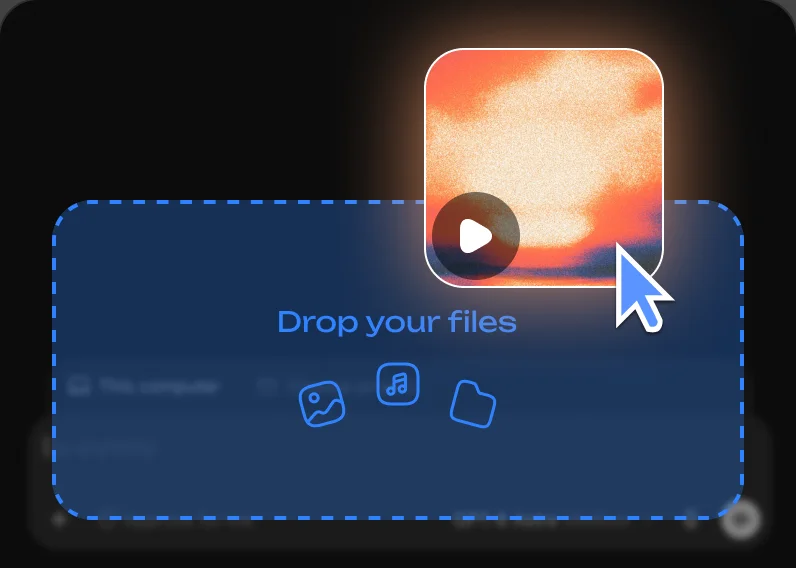
Send a demo, a recording or a hummed idea. ACE Music transcribes its melody and lyrics, so your agent can cover it, mash it up or build a new song on it.
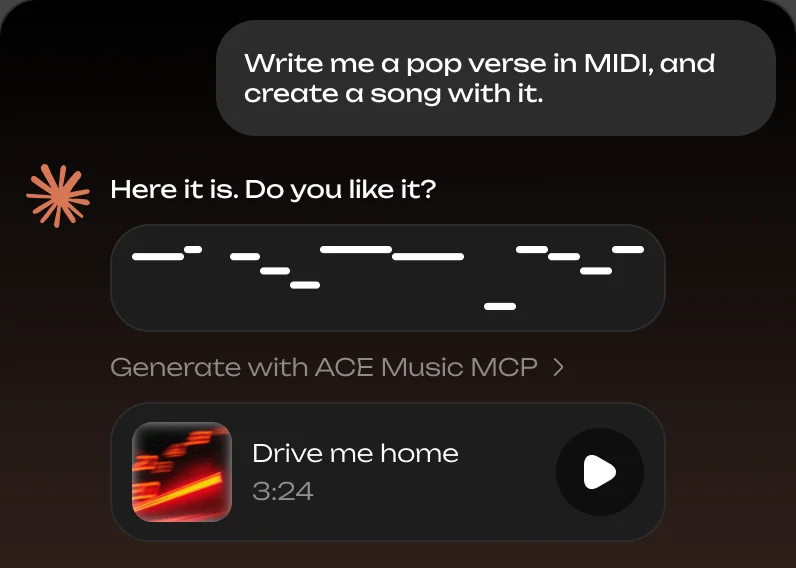
Give the opening of a melody. ACE Music’s music model continues it, ready for your agent to use in a new song.
Your agent can list your songs and uploads, see which are still being made, and link you to each one’s page.
Get MP3, WAV or MIDI as a link your agent hands you. Downloads need a paid plan.
Ask what you have left, what a song costs and which models you can use. Upgrading stays with you, on your subscription page.

The Model Context Protocol is an open standard that lets AI apps use tools from other services. ACE Music’s MCP server gives your agent tools to make, find and download songs on your ACE Music account.
Chat apps: Claude, ChatGPT, Gemini and Grok. Coding agents: Claude Code, Codex and Cursor. And any other app that can add a remote MCP server over Streamable HTTP with OAuth sign-in.
Connecting is free. Songs made through your agent use credits from your ACE Music plan, as they do on the Create page. Downloading files needs a paid plan.
Yes. The first time your app connects, it opens ACE Music so you can sign in or create a free account.
You sign in on ACE Music’s own page and approve each app yourself. Your agent gets access to your songs, never to your password.
To your Library on ACE Music, next to the songs you make on the Create page. Play and share them from there.